
 Tailwind DriveProfit Road. Every Drive.
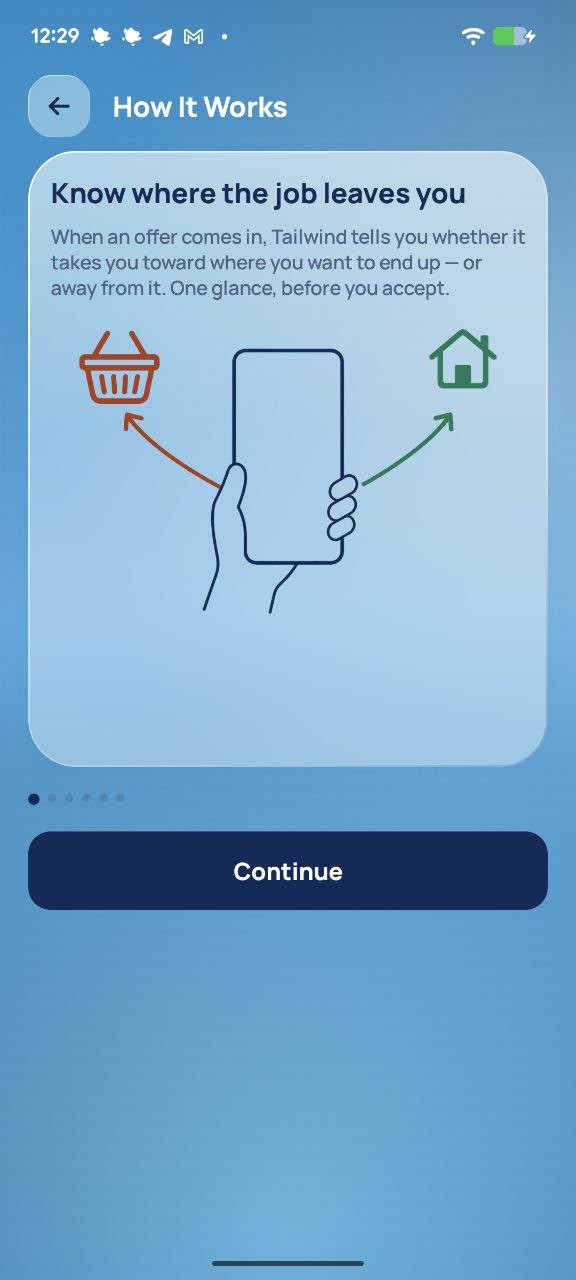
Know if an offer is on your way — before you accept it.
The Uber Driver app has no destination filter. Now you have one.
Free for everyone until November 15 Android only
Not affiliated with or endorsed by Uber.
How it works
Eight seconds to decide. One glance to know.
The fare is on the card. The pick-up is on the card. Where the trip leaves you, you work out in your head — or you don't. Tailwind works it out for you.
- Set your Destination PointWhere you want to end the shift: home, the gym, anywhere. Set it once, change it any time.
- Drive as usualKeep Uber Driver open. When an offer appears, Tailwind reads the drop-off address off the card.
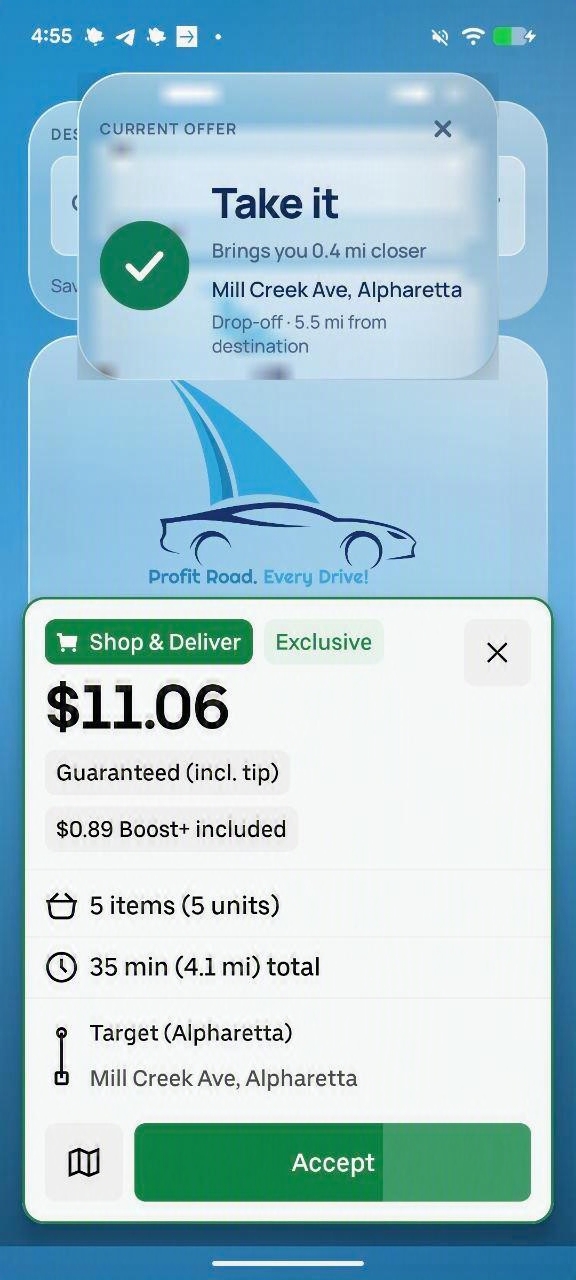
- Read the stripA banner appears above the offer and tells you how much closer the trip brings you. It disappears on its own.
The answer
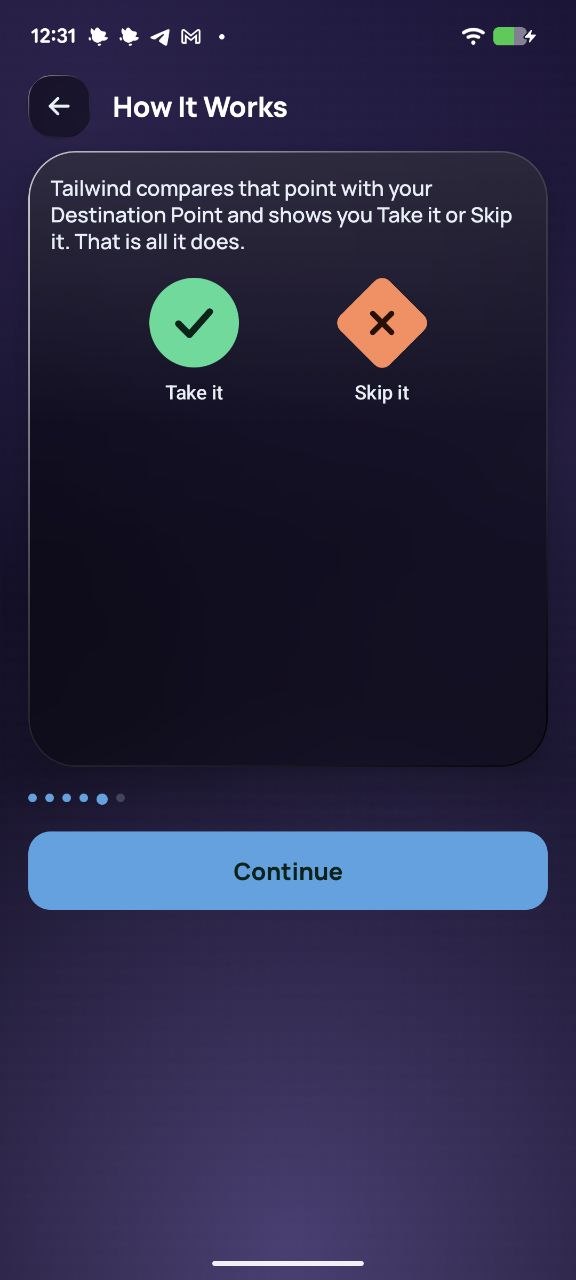
Two shapes. You read it without reading it.
Green circle: take it
The trip leaves you closer to where you want to end up — or close enough to head there or keep working nearby. You set how wide that zone is.
Amber diamond: skip it
The trip takes you the other way. The choice is still yours — Tailwind only labels the offer, it never declines one.
Never red against green: about one man in twelve has trouble telling them apart. The meaning is in the shape as well as the colour, so it survives sunlight, a phone mount and a running timer.
Who it's for
Built by a courier, for the end of the shift.
The fare is on the card. Your real profit isn’t.
Uber Driver shows what an order pays, not where it leaves you — and the empty miles back come out of your pocket. So every evening it's the same gamble: take the order, find out it heads the wrong way, drive back empty. I deliver myself — that's why this app exists.
- Works on delivery offers, restaurant pick-ups included
- Stacked orders are judged on one drop-off for now — we're working on it
Destination Mode: twice a day. Tailwind: every offer, all shift.
Uber gives you Destination Mode twice a day — spend one on the morning commute and you have one left for the whole rest of the day. And while it’s on, it hides the trips it doesn’t like. Tailwind has no daily limit (free for everyone until November 15, then with a subscription), shows every offer as usual and simply labels each one.
- No uses to ration — leave it on all shift
- Nothing hidden: you see every offer and decide
See it
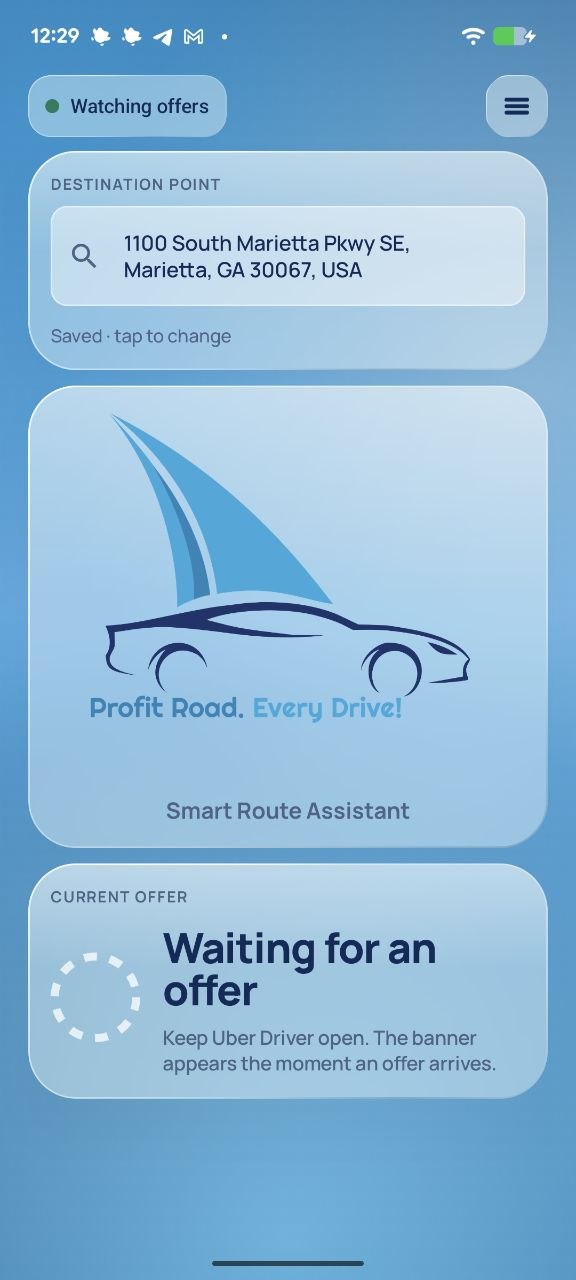
A few screens. That's the whole app.
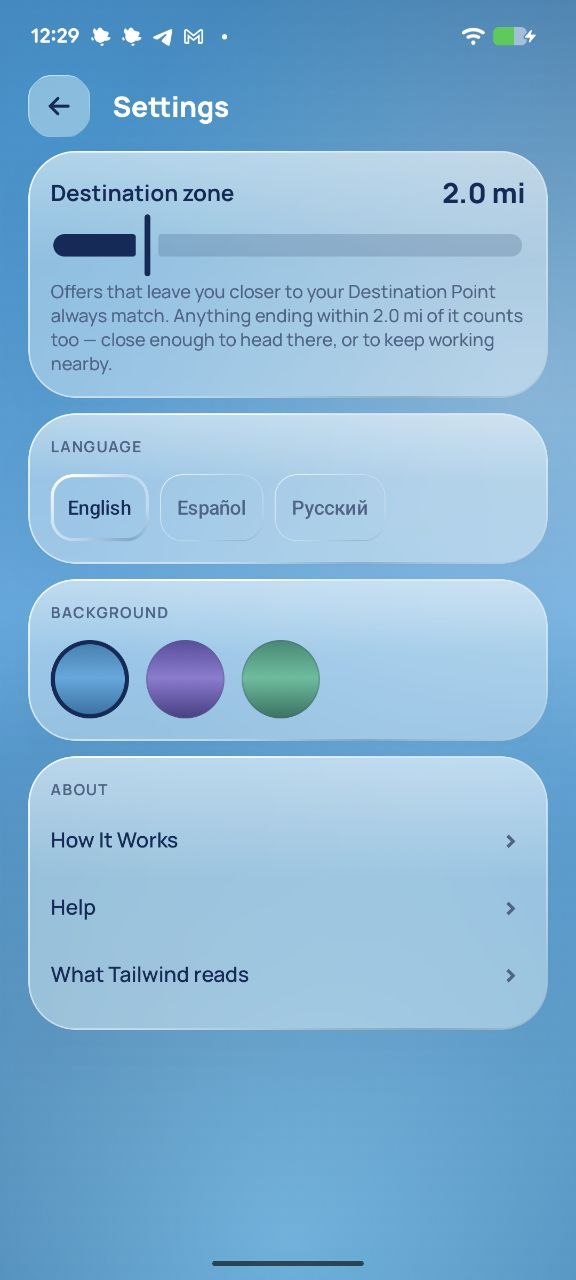
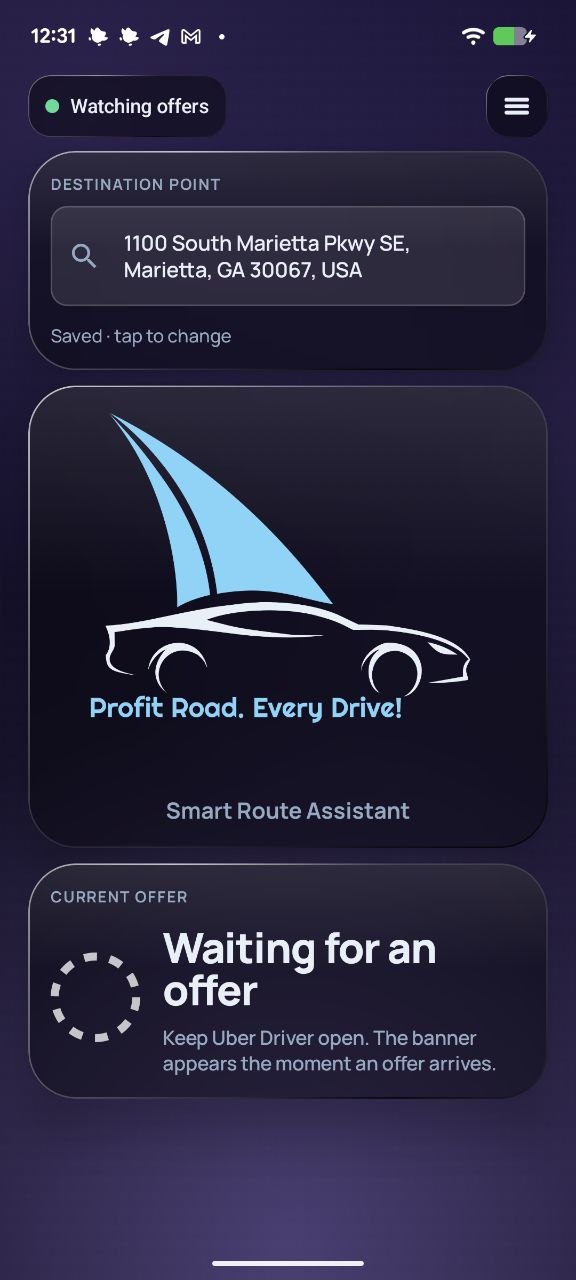
What it reads
An app that reads your screen owes you a straight answer.
Here is everything, in three lines.
The picture stays on your phone
When an offer appears, Tailwind takes one picture of the screen and reads the text on the device. The picture is never saved and never sent anywhere.
Two things go to Google Maps
The drop-off address as text and your precise location, so the address can be turned into a point on the map. Nothing else.
No account, no ads, no tracking
No sign-in, no server of ours receiving anything. A report about a wrong verdict leaves only if you open it, read it and tap send.
FAQ
Questions drivers ask first.
Is it really free?
Everything is free for everyone until November 15. After that you keep 30 free checks to start and then 5 every month; a subscription removes the limit. No card is needed to start.
Does it accept or decline offers for me?
No. It never taps anything and never covers the Accept button. It reads, compares and shows you the answer — the decision stays yours.
Why does it need screen access?
Uber's offer card can only be read from the screen. Tailwind uses Android's accessibility permission for that one job, reads the text on your phone, and throws the picture away.
Does it work with stacked orders?
Yes, but for now a stacked delivery is judged on one drop-off. Judging every drop-off in a stack is on the way.
iPhone? Lyft? DoorDash?
Not yet. Tailwind works with Uber Driver on Android in the United States. One app, done well, first.
It misread an address. What now?
Open Settings → Report a miss. You'll see exactly what's in the report before it's sent, and every report is read by the developer.
Is this an Uber app?
No. Tailwind Drive is an independent app by Merowingus Studio and is not affiliated with or endorsed by Uber.
Stop ending the shift on the wrong side of town.
Free for everyone until November 15. Set it up in two minutes before your next shift.